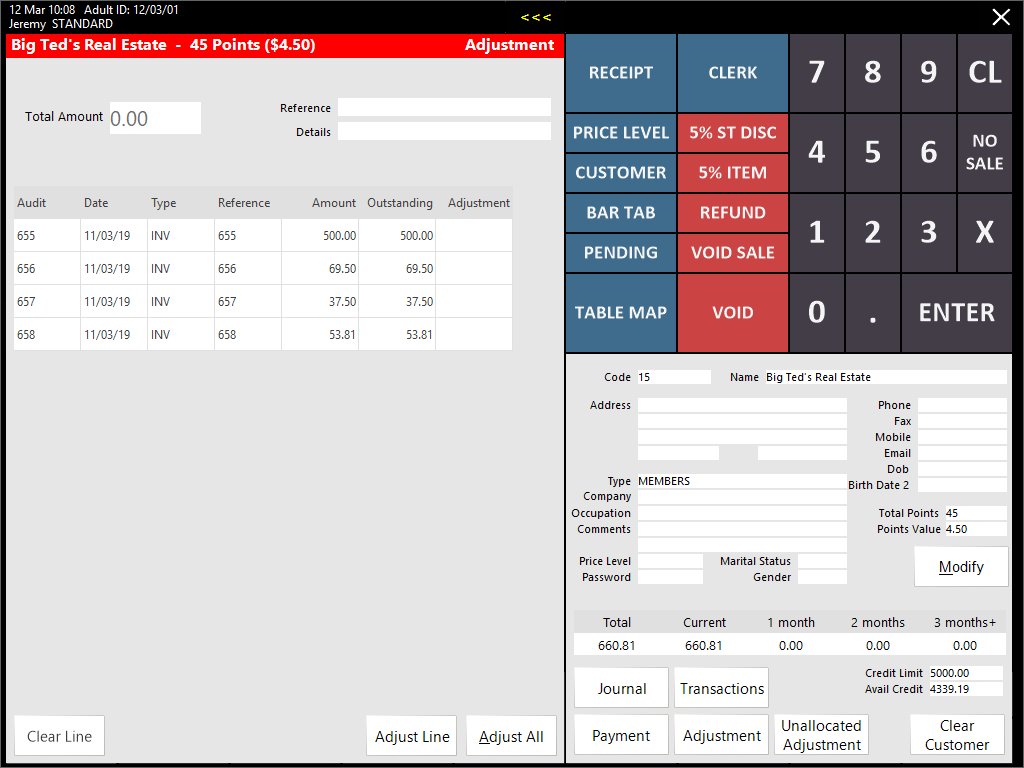
This function can be accessed by adding the Customer to a sale and pressing the >>> button at the top of the screen, then pressing the Adjustment button towards the bottom-right corner of the screen.
Alternatively, a button can also be programmed on the POS Screen to access the Adjustment function.
The current list of transactions will be displayed, where you can select to adjust a Line/s with a custom amount, or Adjust All transactions.
Enter the amount you would like to adjust for each line in the Adjustment column.
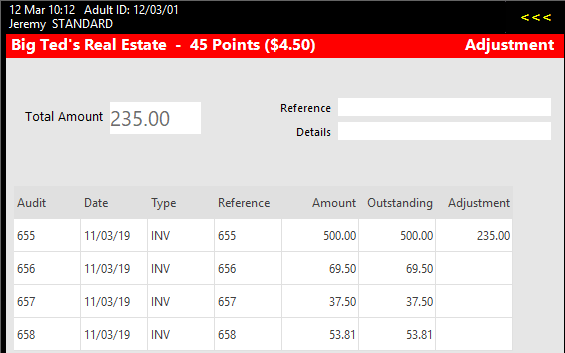
Press the Enter button and a confirmation window will open.
It will detail the amounts you have selected to adjust and the total of all invoices after the adjustment.

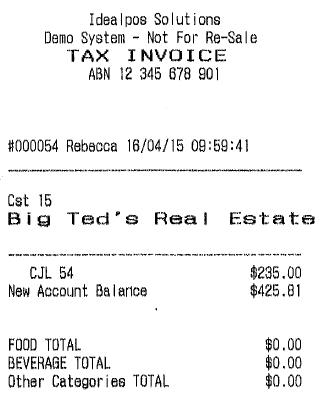
If the Yes/No Option Print Account Payments/Credits/Adjustments to Receipt is enabled, a receipt will be issued detailing the adjustment credit.